

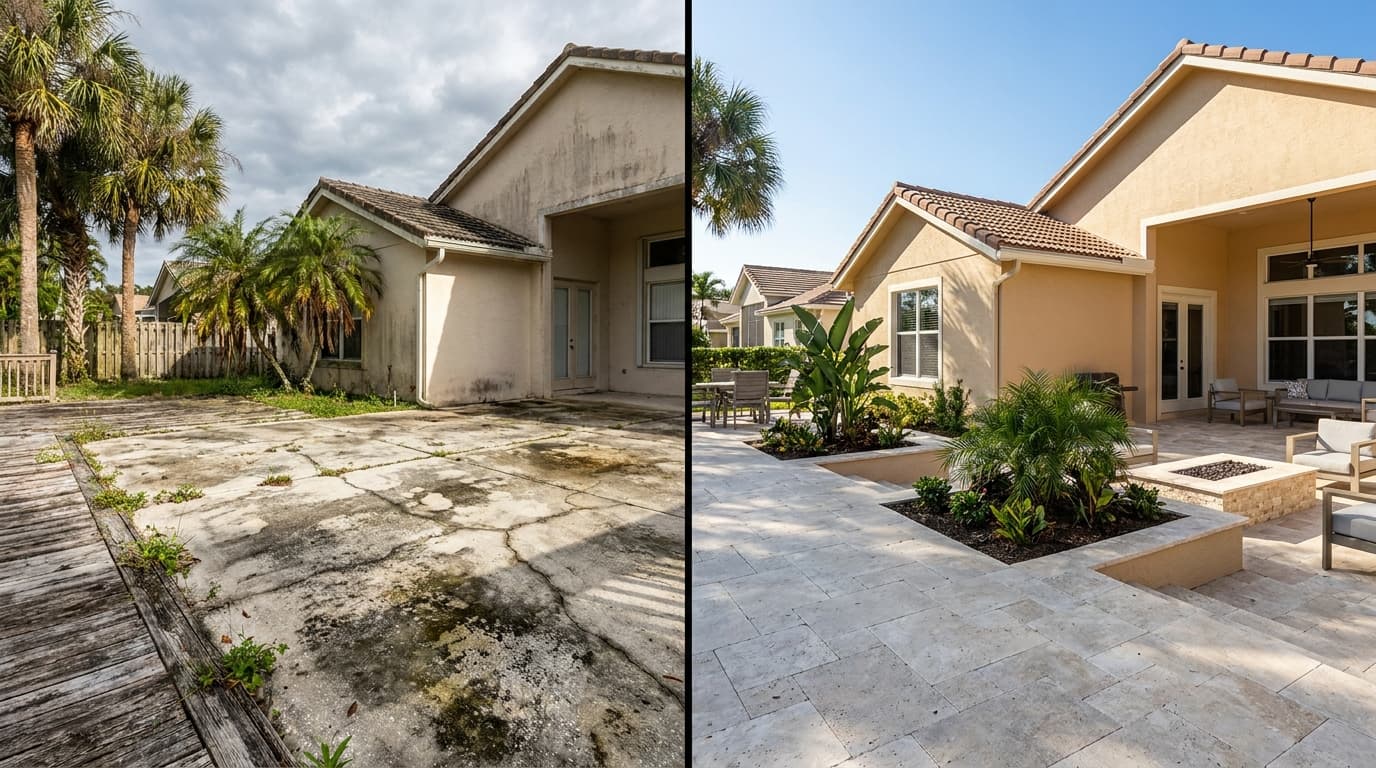

Every contractor takes before/after photos. Most sit in your phone's camera roll and never see the light of day.
What if those photos could automatically become:
That's exactly what AI-powered documentation does. And it takes less than 60 seconds.
The Before/After Photo Problem
You finish a job. You snap a few photos. Then what?
What most contractors do: Nothing. The photos sit in their camera roll. Maybe they post one to Facebook once a month when they remember. What smart contractors do: They use AI to turn every set of before/after photos into 4 business outputs — proof, marketing, trust, and payment.How AI Photo Documentation Works
Step 1: Snap Your Photos
Take a before photo when you arrive. Take an after photo when you're done. That's it — same thing you already do.
Step 2: Upload to HomeProBadge
Open HomeProBadge, select the job, and upload your photos. Add the customer name and address if you want (optional).
Step 3: AI Analyzes Everything
Our AI examines both photos and generates:
Customer Report: A professional summary describing what was found, what was done, materials used, and recommendations. Written in clear, homeowner-friendly language. Social Posts: Three Facebook caption options in different styles:Step 4: Review and Publish
Read through the AI output. Edit anything you want (or don't — it's usually spot-on). Hit publish.
Why This Matters for Your Business
90% of homeowners research contractors online before hiring. If they Google you and find nothing — no portfolio, no reviews, no proof of work — they move to the next name on the list.Every before/after photo you process through AI becomes searchable, shareable proof that you do quality work. Over 6 months, you'll have a portfolio of 50-100+ documented jobs. That's an asset no competitor can match.
Get Started Today
Sign up for HomeProBadge free. You get 100 AI credits — enough to document about 12 jobs. Upload your first before/after photos and see the AI in action.
Your photos are already sitting in your camera roll. Start turning them into business growth.